Spot 90-Day Aging Watch Inventory Before Capital Depreciates
Secondary watch prices shift weekly. Avoid tying up six figures in slow-moving timepieces by monitoring real-time inventory aging alerts that highlight watches held beyond 60, 90, and 120 days.
Automated warnings on slow-moving inventory
Holding duration tracked for every serial
Reprice or wholesale before secondary prices dip
Why this happens in manual trading
In the fast-moving secondary horology market, holding a piece for six months during market downturns can wipe out the entire profit margin or result in substantial capital loss.
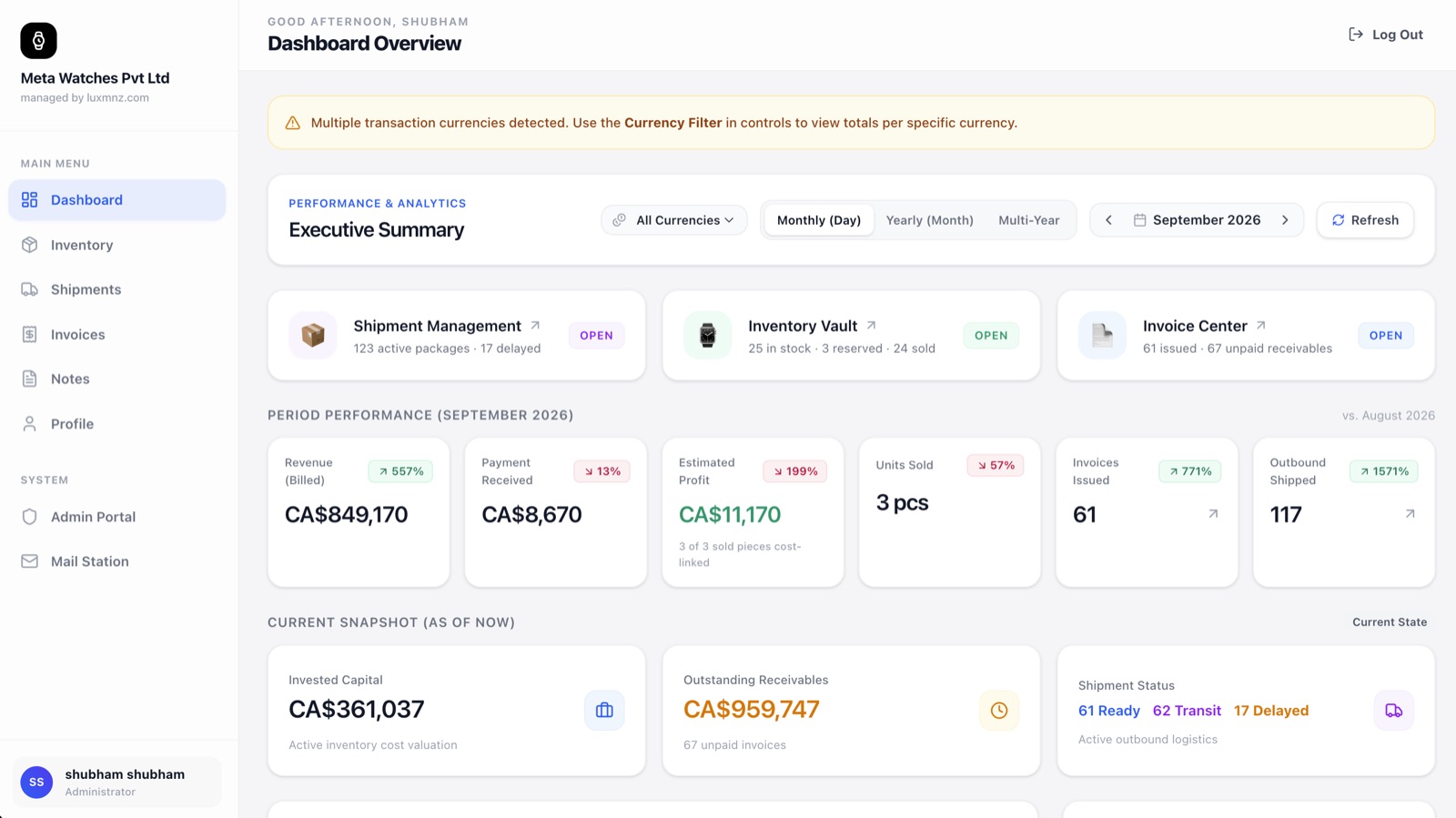
LUXMNZ calculates active holding days for every timepiece from intake to settlement. The executive dashboard flags watches exceeding 90 days so dealers can adjust pricing or trade them proactively.
How LUXMNZ eliminates this risk
Automated Holding Timer
Every watch record tracks exact elapsed days since physical safe intake.
Executive Dashboard Alert
Watches crossing 90 days are automatically highlighted on the executive dashboard.
Review Market Comps
Compare current asking price against original wholesale cost to assess adjustment options.
Re-Price or Memo Out
Discount the list price, feature the watch in your VIP catalog, or trade to a partner dealer.
Frequently asked questions
Can I customize the aging threshold from 90 days to 60 days?
Yes. You can filter your inventory list by any day range (e.g. 30+, 60+, 90+, 120+ days) to review inventory velocity.
Does the Monday sales email include aging inventory alerts?
Yes. The automated Monday 08:00 UTC briefing explicitly lists timepieces that have crossed the 90-day threshold.